iPhone 15 Pro Max Cases
Christian and Western phone cases for the iPhone 15 Pro Max, made to order for this exact model with a dual-layer build. Choose a KJV Bible verse design from the Faith collection or a cowhide, turquoise, or desert print from the Western collection. The iPhone 15 Pro Max has a 6.7-inch display, a titanium band, an Action button, and a USB-C connector, but no Camera Control, which helps tell it apart from the iPhone 16 Pro Max.
Every design here is made to order for your iPhone 15 Pro Max. Change phone
Showing 1–16 of 24 results
-

All Things Work Together for Good
Romans 8:28 KJV · Lavender
$29.99 -
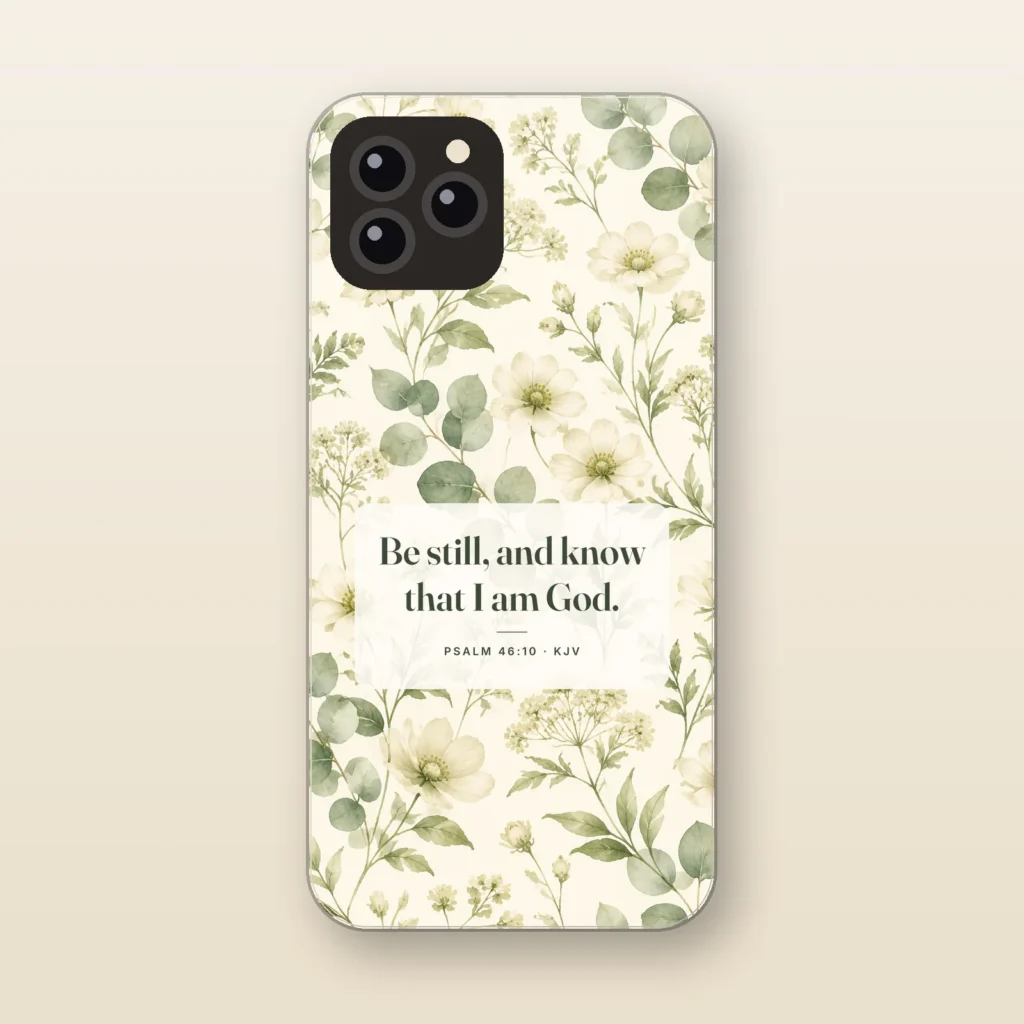
Be Still and Know
Psalm 46:10 KJV · Wildflower
$29.99 -

Be Strong and of a Good Courage
Joshua 1:9 KJV · Pine Forest
$29.99 -
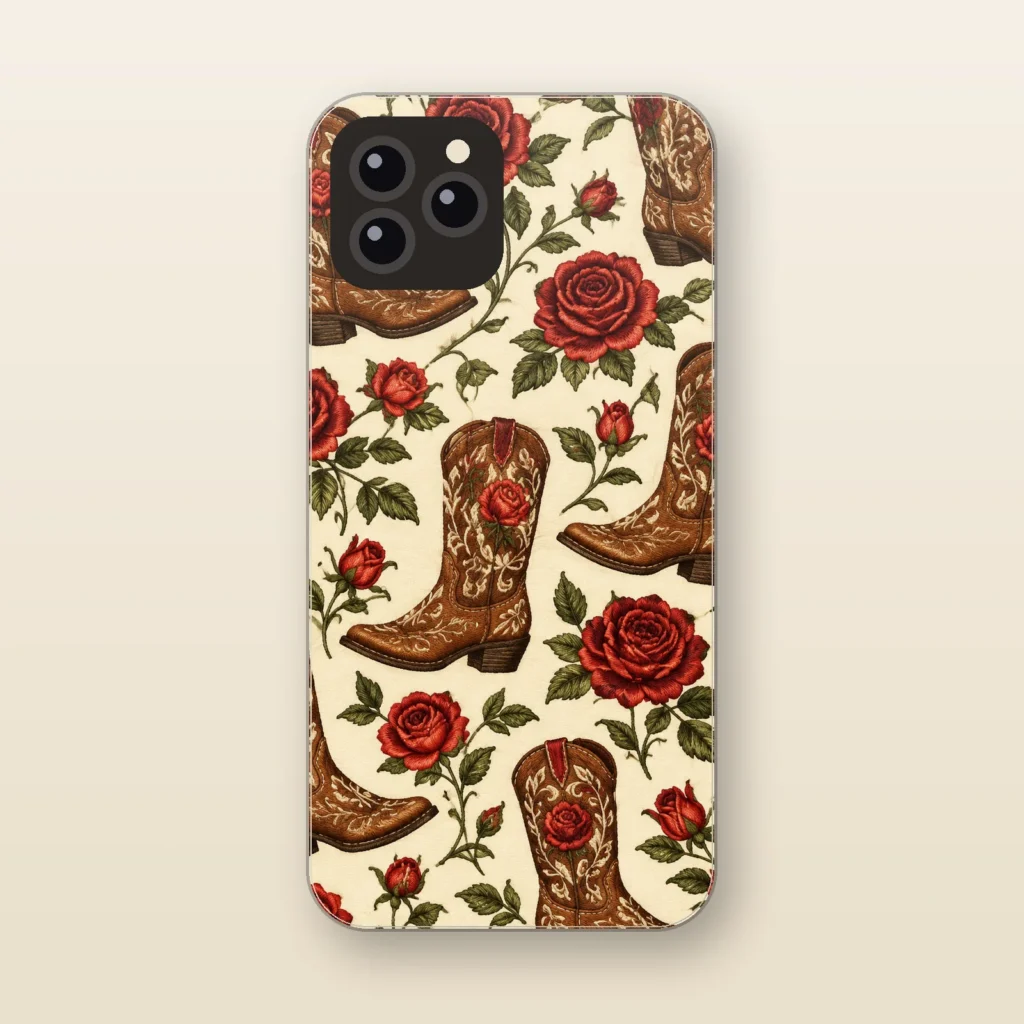
Boots and Roses
Embroidered-Look
$29.99 -
Staff pick
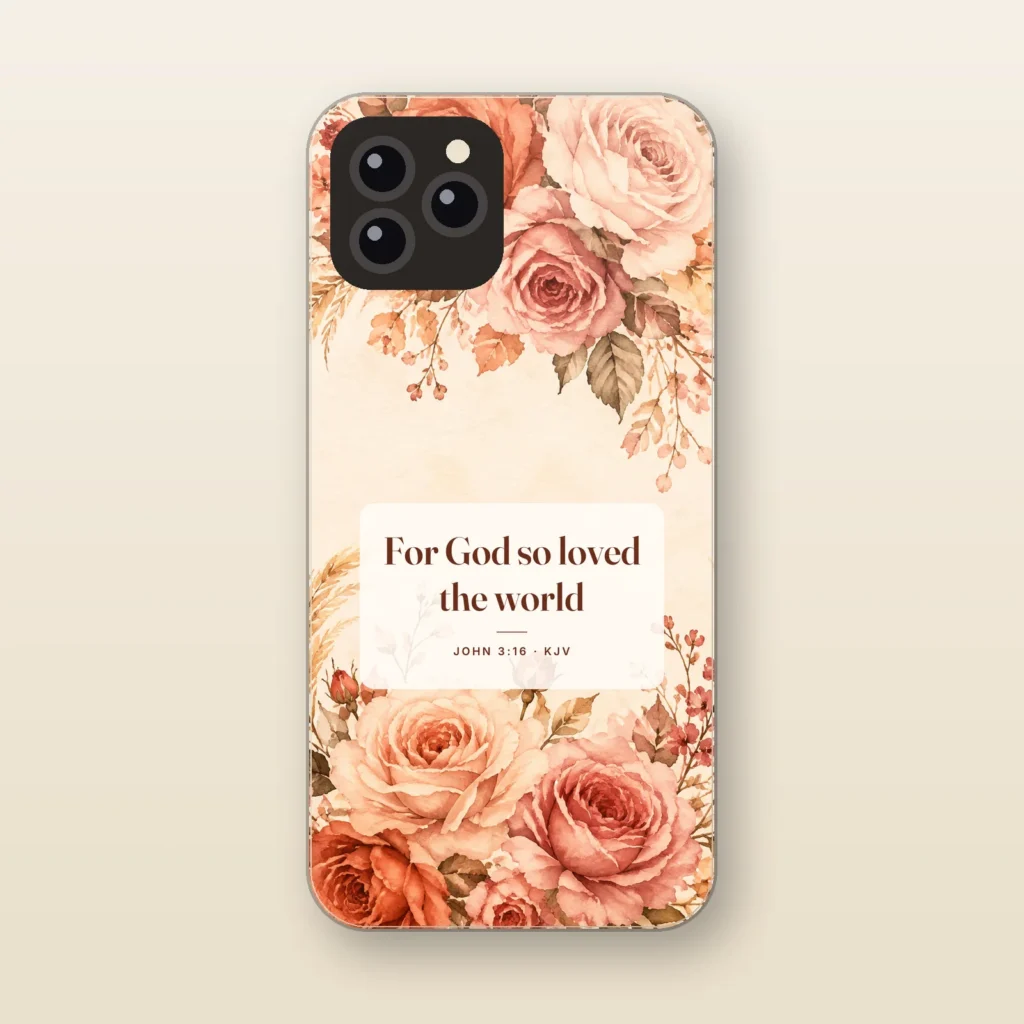
For God So Loved the World
John 3:16 KJV · Rose
$29.99 -
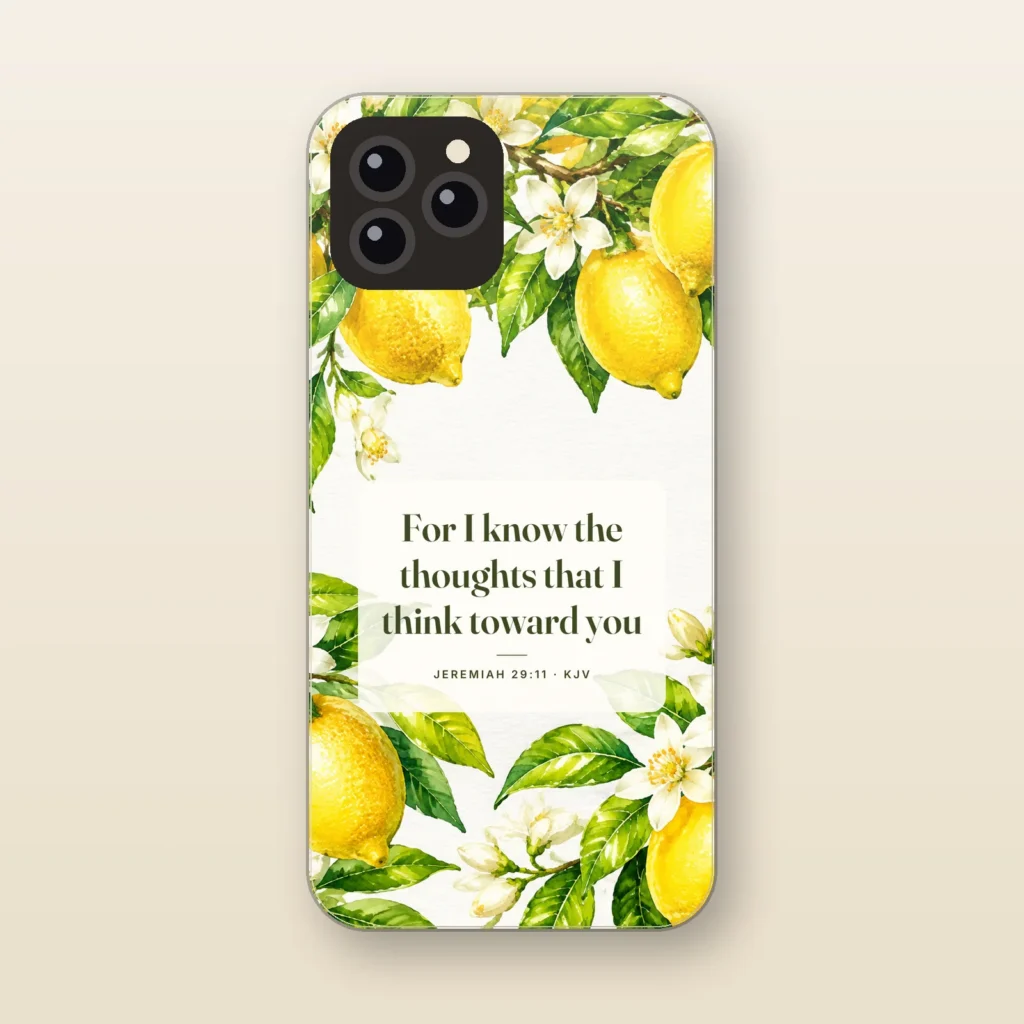
For I Know the Thoughts
Jeremiah 29:11 KJV · Lemon Blossom
$29.99 -
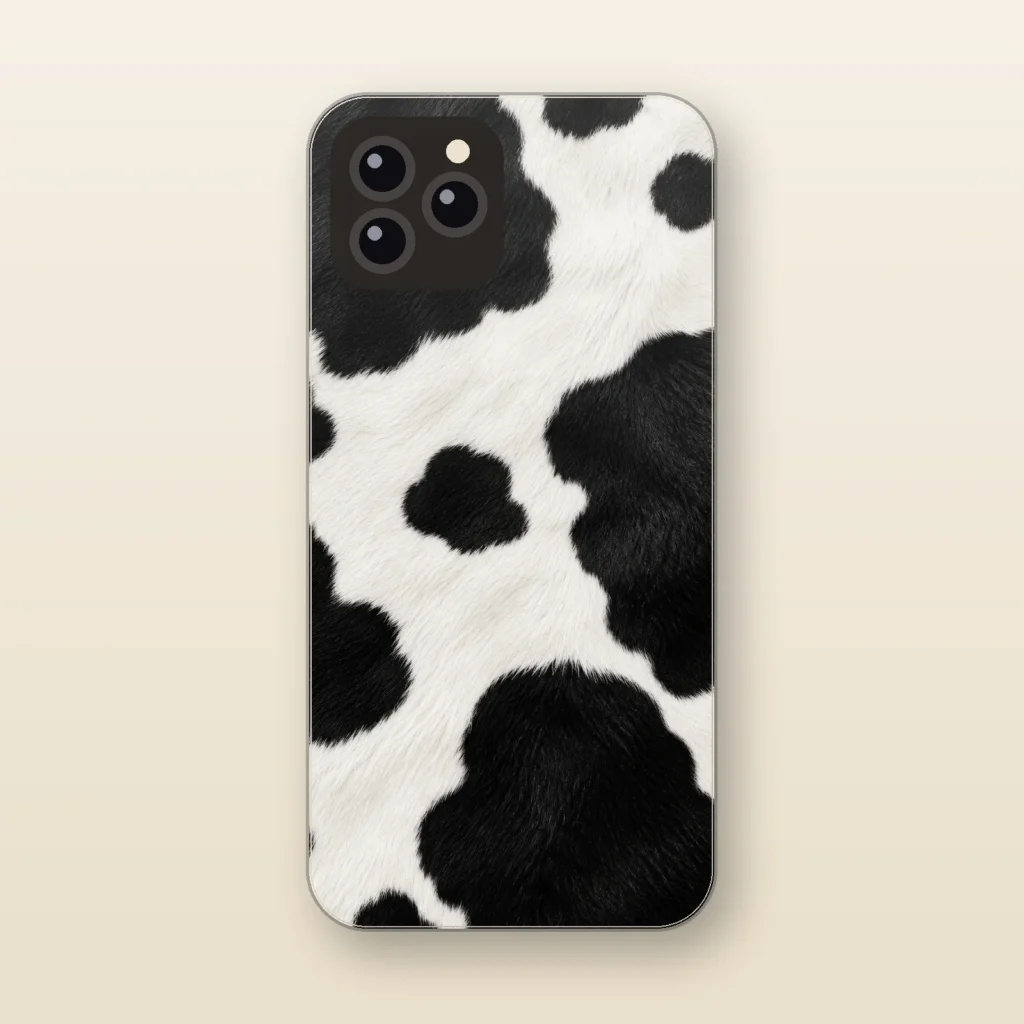
Holstein
Faux Black and White Cowhide
$29.99 -
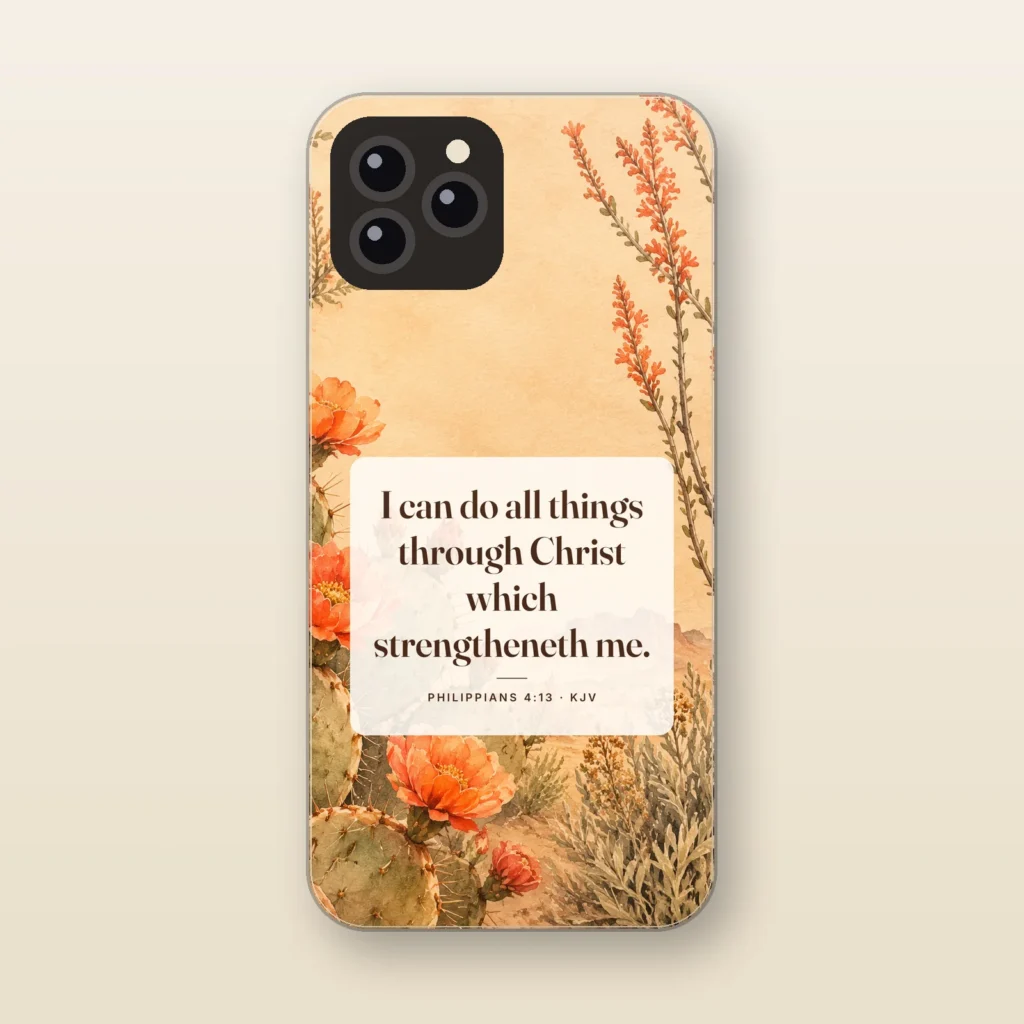
I Can Do All Things
Philippians 4:13 KJV · Desert Bloom
$29.99 -
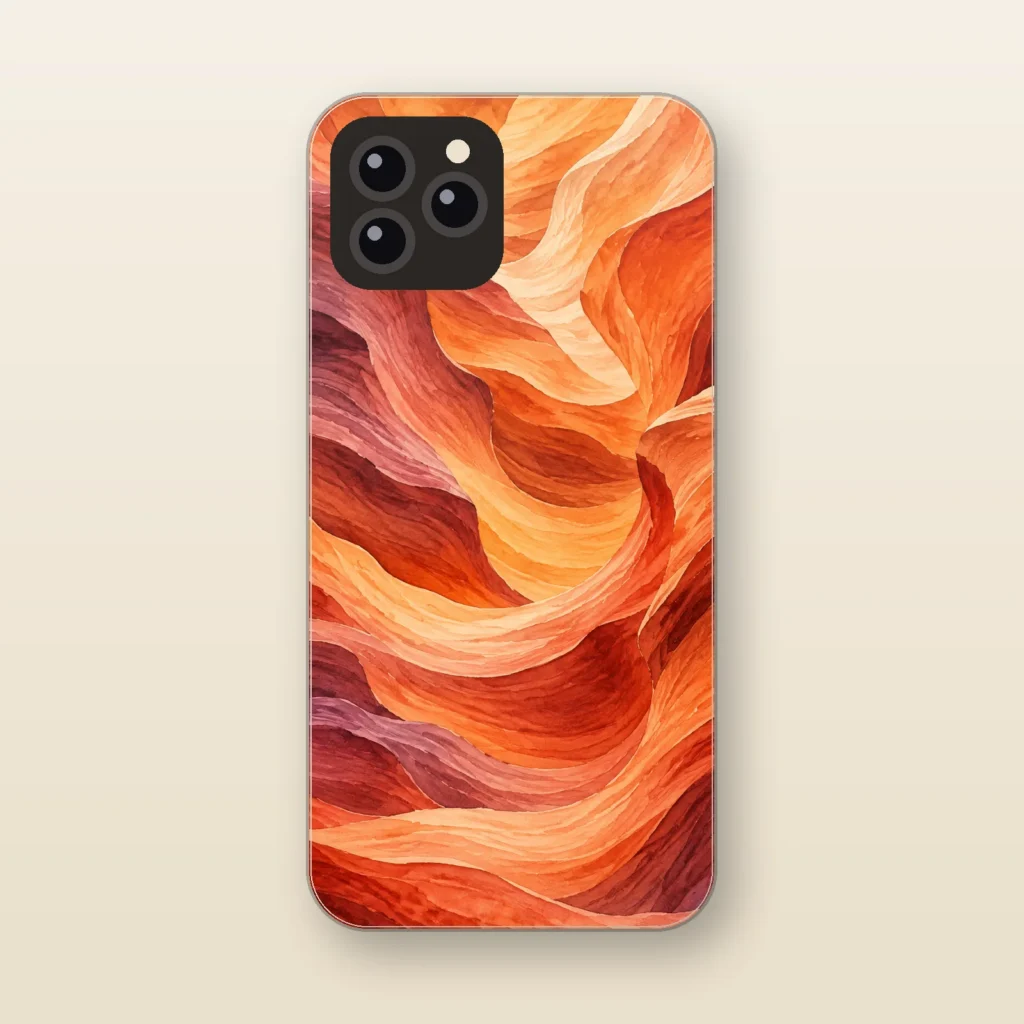
Painted Desert
Layered Canyon
$29.99 -
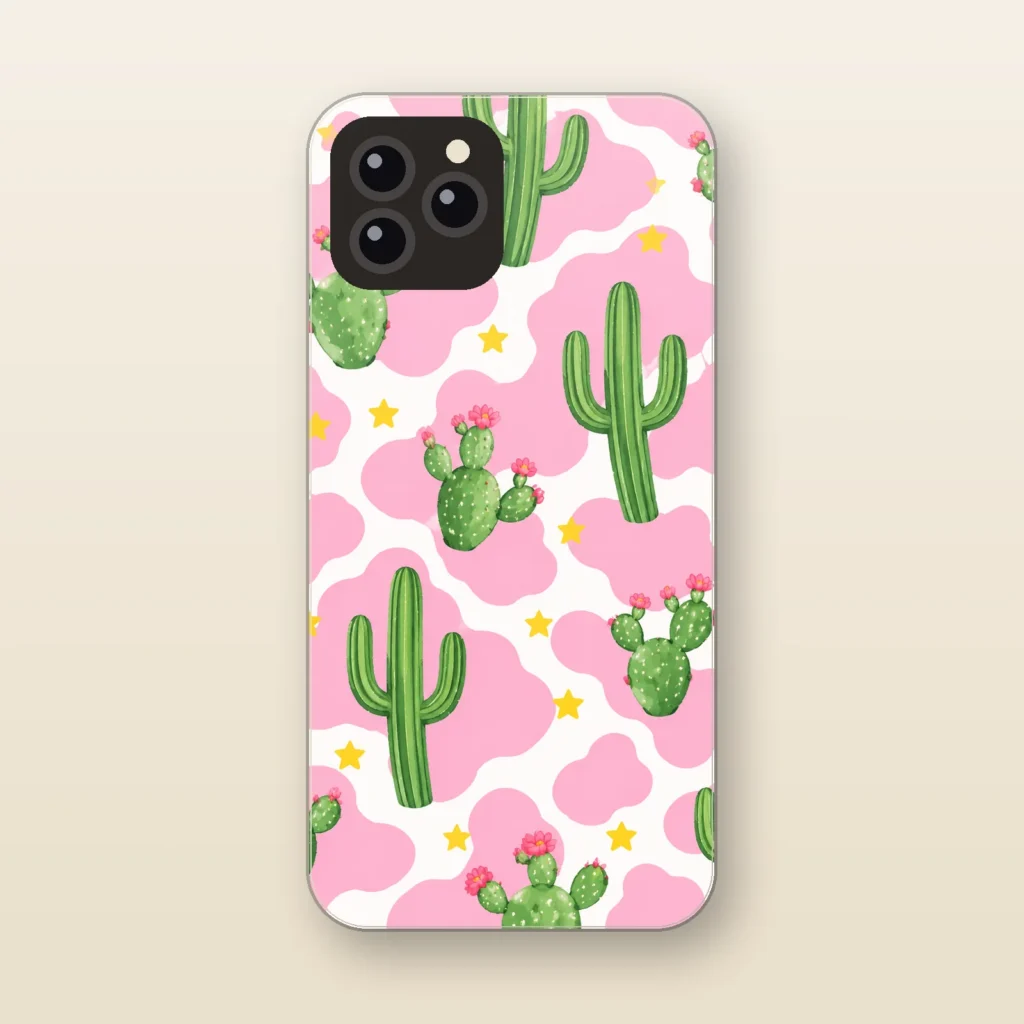
Pink Cactus
Punchy Pink Cow Print
$29.99 -
Staff pick
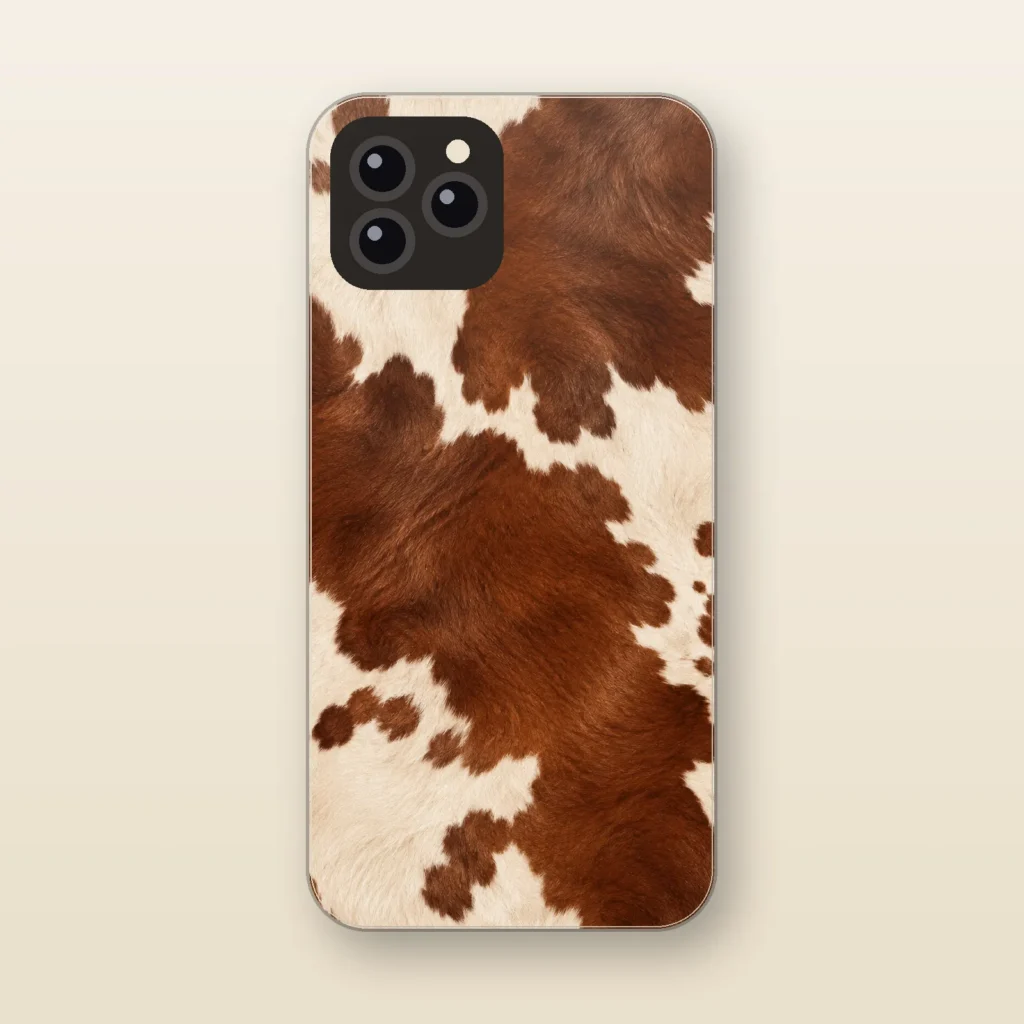
Ranch Hand
Faux Cowhide
$29.99 -
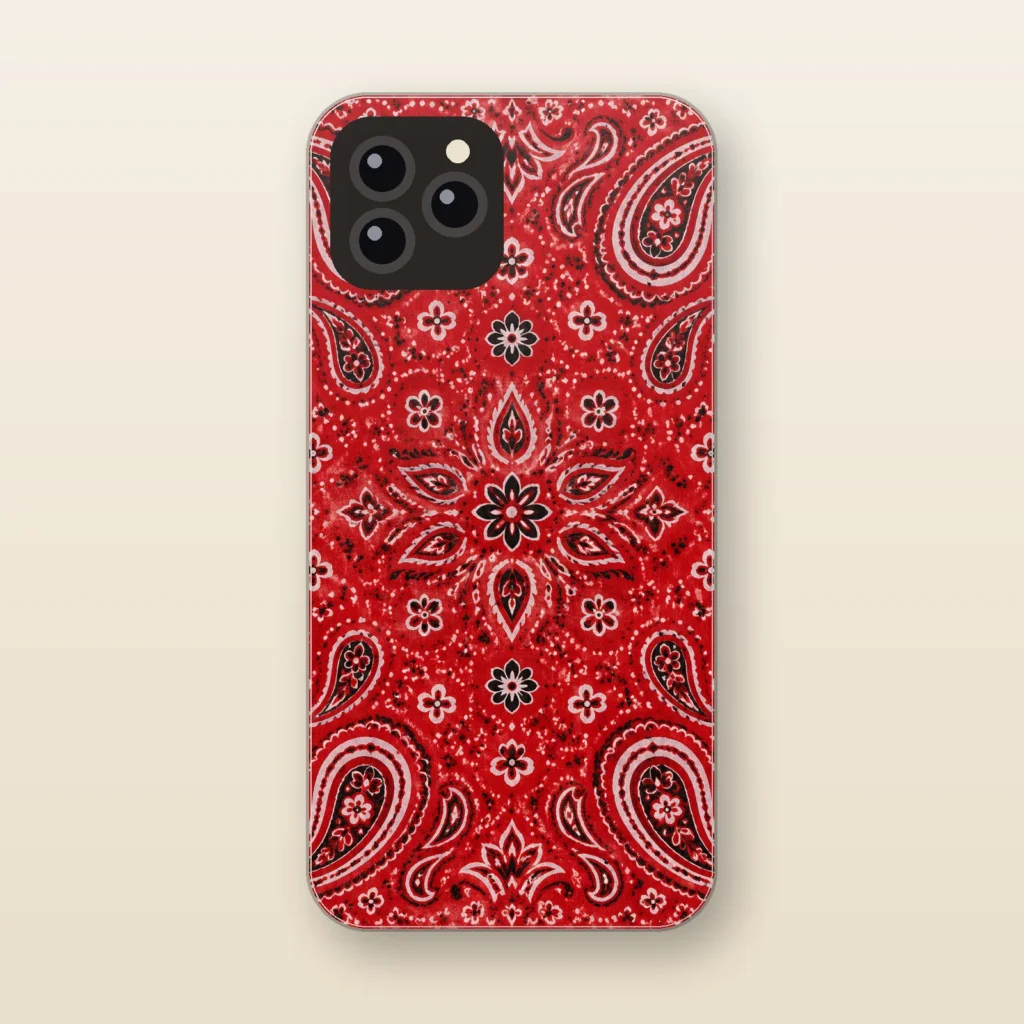
Red Bandana
Paisley Bandana
$29.99 -
Staff pick
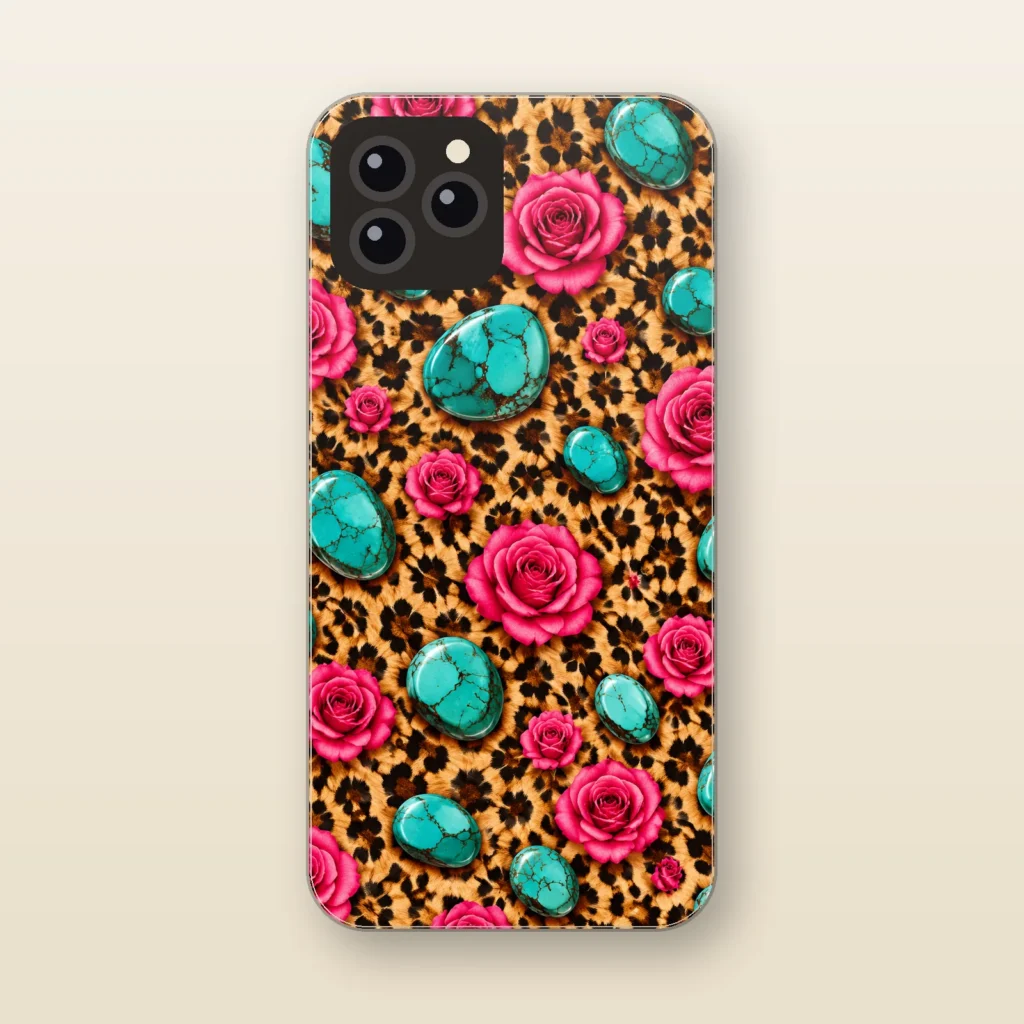
Rose and Stone
Leopard and Turquoise Punchy
$29.99 -
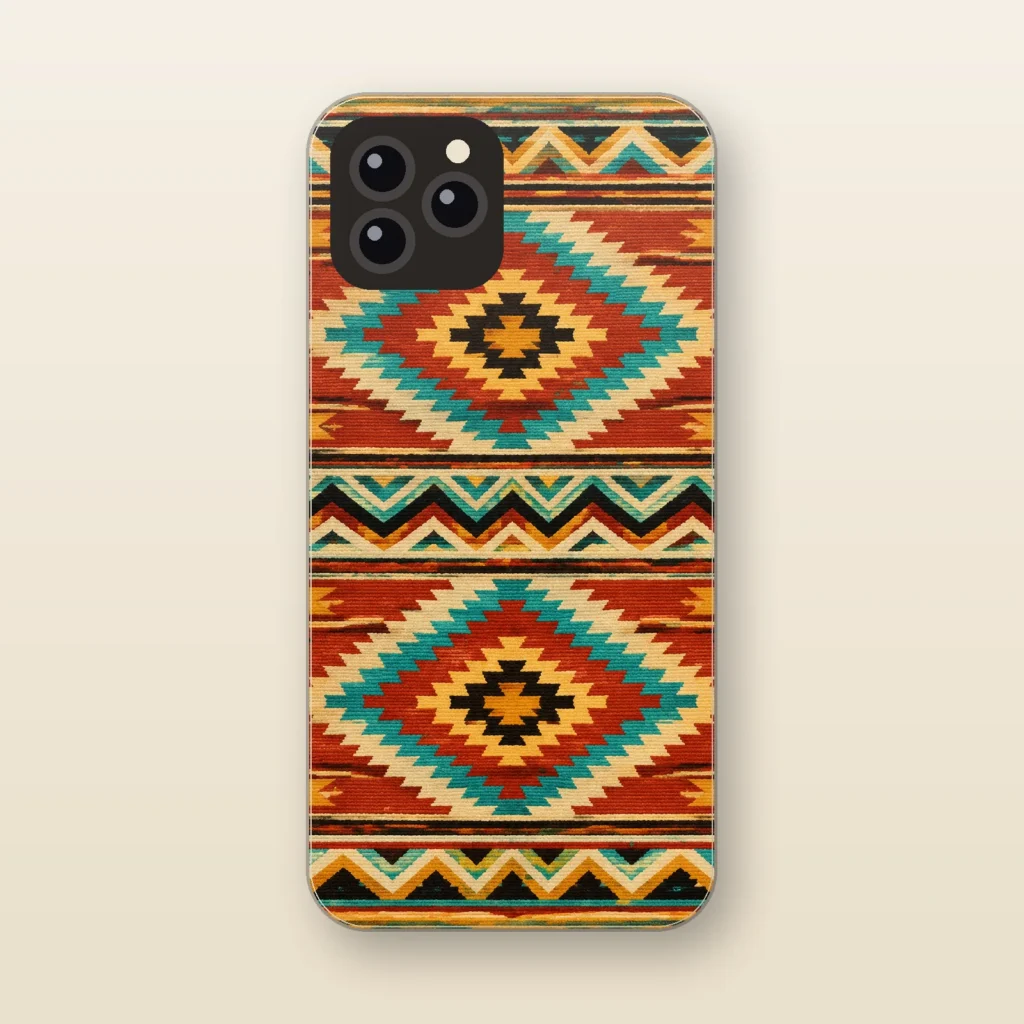
Saddle Blanket
Southwestern Geometric
$29.99 -
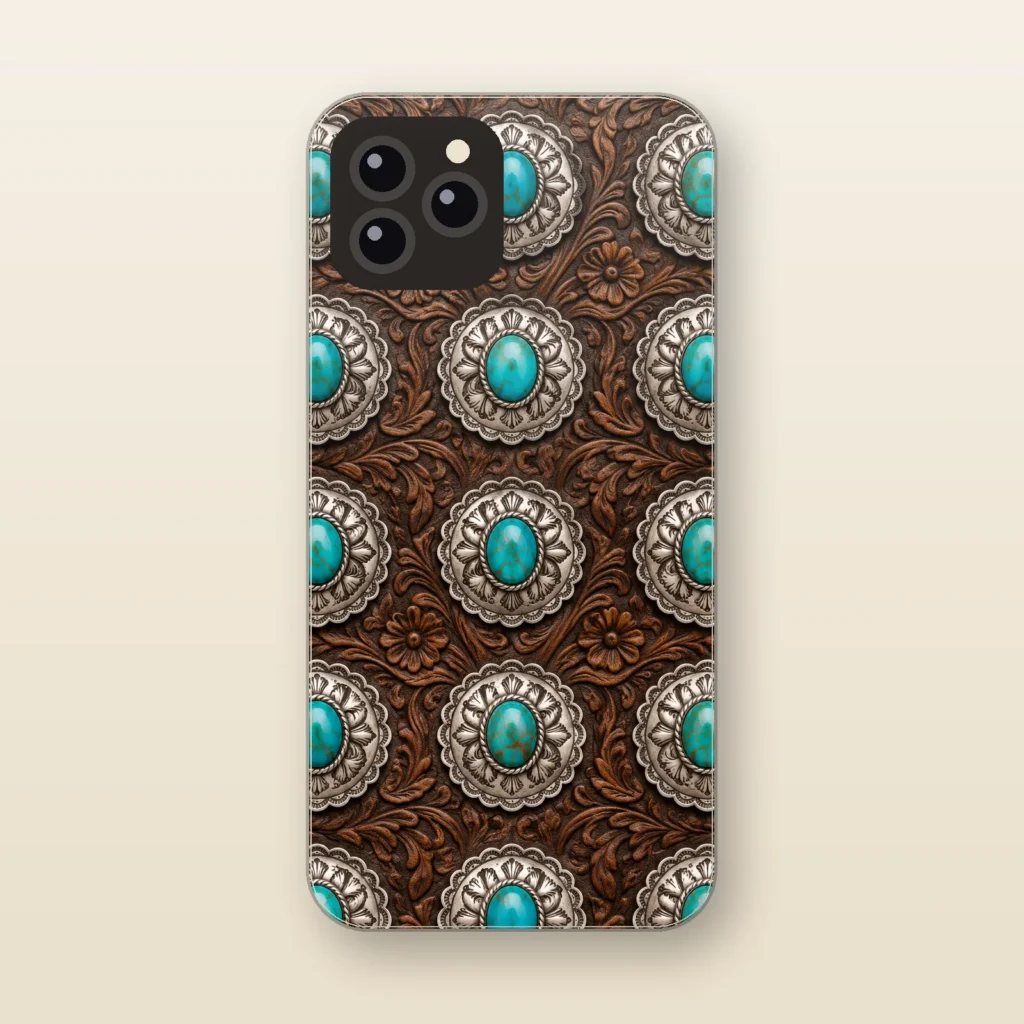
Silver Concho
Turquoise and Silver
$29.99 -
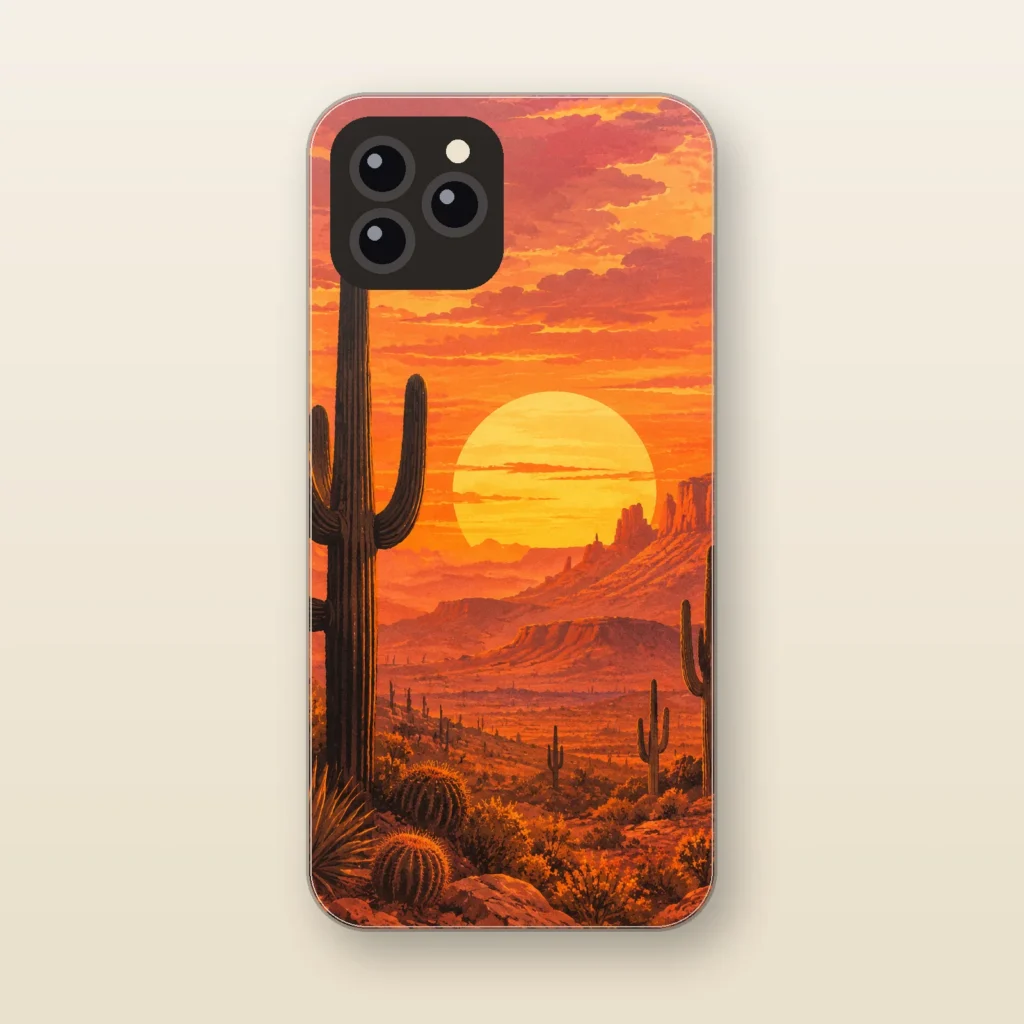
Sonoran Sunset
Desert Saguaro
$29.99
How to tell you have an iPhone 15 Pro Max
Open Settings, tap General, and tap About. Model Name should read iPhone 15 Pro Max. Tap the part number next to Model Number to see the model number: A2849 in the United States and Puerto Rico, A3105 in Canada, Guam, Japan, Mexico, Saudi Arabia, and the U.S. Virgin Islands, A3108 in China mainland, Hong Kong, and Macao, and A3106 elsewhere. Phones bought outside the U.S. have a SIM tray on the left side, and the model number is printed inside that slot.
Physical tells: a 6.7-inch display with the Dynamic Island, a textured matte glass back, a contoured-edge titanium band, the Action button on the upper left, and the side button on the right. Three rear cameras (48MP Main, 12MP Ultra Wide, and 12MP 5x Telephoto) sit beside a LiDAR Scanner and flash, and charging runs through USB-C.
Why iPhone 15 Pro Max cases are model-specific
Apple lists the iPhone 15 Pro Max at 159.9 x 76.7 x 8.25 mm (6.29 x 3.02 x 0.32 inches). Neighboring Pro Max models differ:
- iPhone 16 Pro Max: 163 x 77.6 x 8.25 mm (6.42 x 3.06 x 0.32 inches), a 6.9-inch display, and the Camera Control on the lower right.
- iPhone 14 Pro Max: 160.7 x 77.6 x 7.85 mm (6.33 x 3.05 x 0.31 inches), a stainless steel band, a Ring/Silent switch instead of the Action button, and a Lightning connector.
Each step changes the height, the thickness, or the controls along the edges, so we make every case to order for one exact model with a dual-layer build.
Start with scripture designs in the Faith collection or cowhide and turquoise looks in the Western collection.
Cases for other phones
- iPhone 18 Pro Max cases
- iPhone 18 Pro cases
- iPhone 17 Pro Max cases
- iPhone 17 Pro cases
- iPhone 17 cases
- iPhone 16 cases
- iPhone 15 cases
- iPhone 16 Pro Max cases
- iPhone 16 Pro cases
- iPhone 15 Pro cases
- iPhone 14 cases
- iPhone 13 cases
- iPhone Air cases
- iPhone 17e cases
- Galaxy S26 Ultra cases
- Galaxy S26 cases
- Galaxy S25 Ultra cases
Questions
Does the iPhone 15 Pro Max have the Camera Control?
No. Apple’s iPhone 15 Pro Max diagram lists the side button, volume buttons, and Action button, but no Camera Control. That control arrived with the iPhone 16 lineup, which is one reason an iPhone 16 Pro Max case is a different product.
My Pro Max has a Ring/Silent switch and a Lightning port. Is it a 15 Pro Max?
No. Apple’s iPhone 15 Pro Max specs list an Action button and a USB-C connector, while the iPhone 14 Pro Max has a Ring/Silent switch and Lightning. Confirm under Settings > General > About > Model Name before choosing a case.
Where is the model number on an iPhone 15 Pro Max bought outside the U.S.?
Those models have a SIM tray on the left side. Apple says to remove the tray and look in the slot, on the upper side facing the display, in bright light. You will see a number such as A3105 or A3106. Settings > General > About shows it too.