iPhone 16 Pro Max Cases
Christian and Western phone cases for the iPhone 16 Pro Max, each made to order for this exact model with a dual-layer build. Choose a KJV Bible verse design from the Faith collection or a cowhide, turquoise, or desert print from the Western collection. Apple’s iPhone 16 Pro Max has a 6.9-inch display, a titanium band, and the Camera Control on the lower right side, so confirm your model name in Settings before you pick a design.
Every design here is made to order for your iPhone 16 Pro Max. Change phone
Showing 1–16 of 24 results
-
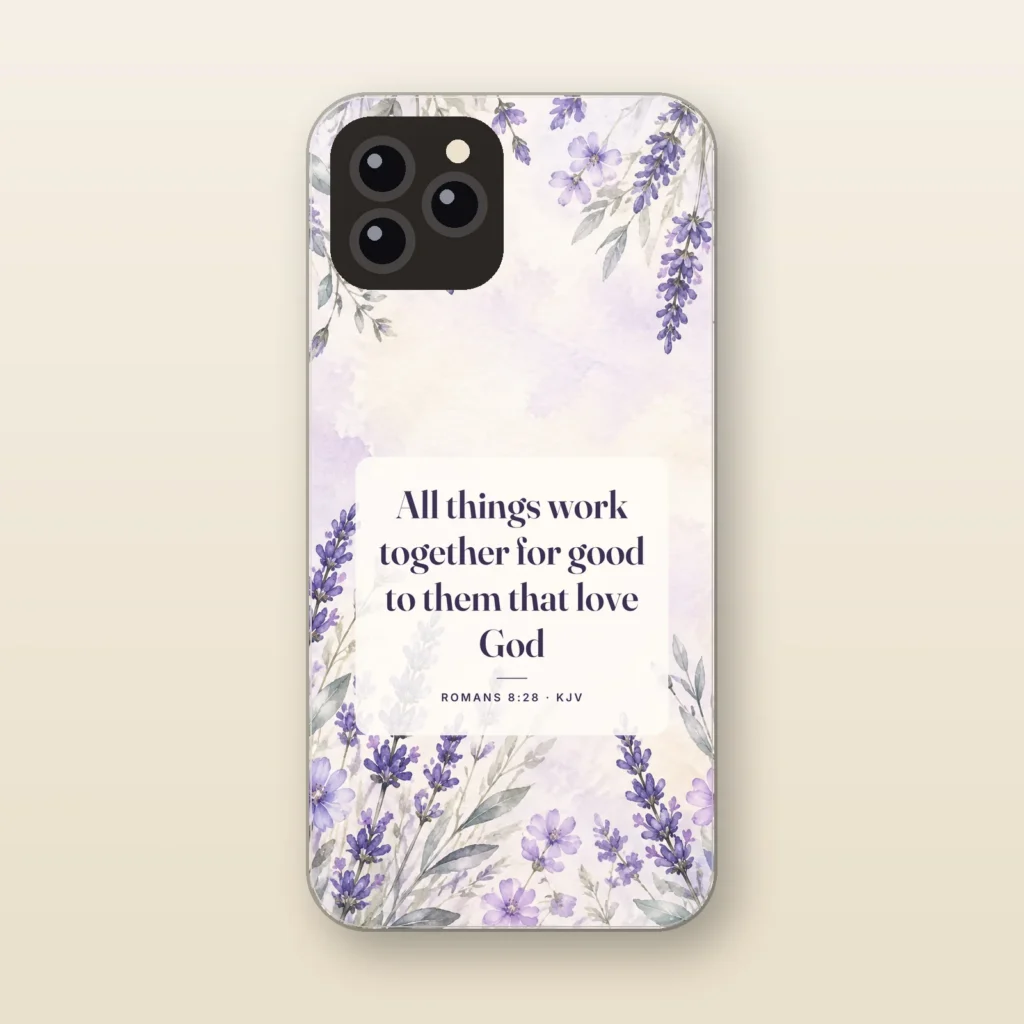
All Things Work Together for Good
Romans 8:28 KJV · Lavender
$29.99 -
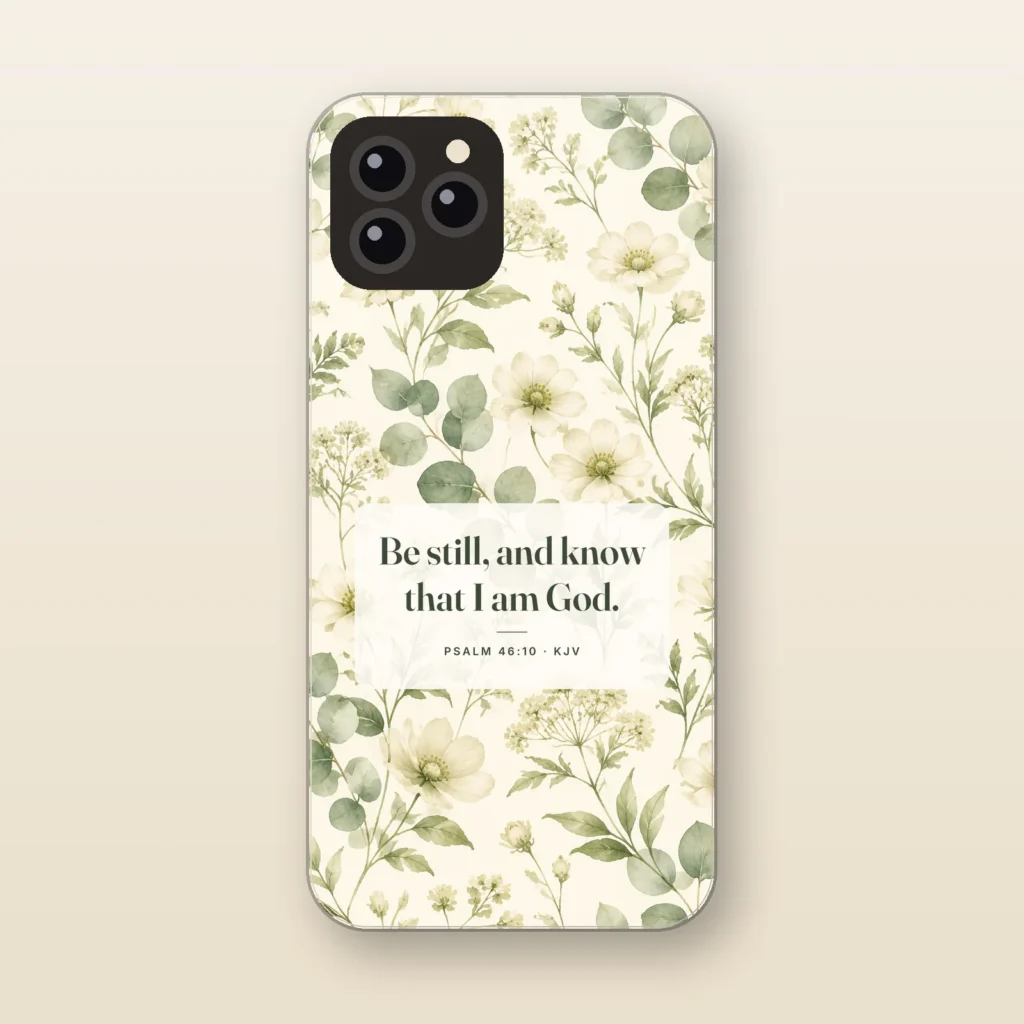
Be Still and Know
Psalm 46:10 KJV · Wildflower
$29.99 -

Be Strong and of a Good Courage
Joshua 1:9 KJV · Pine Forest
$29.99 -
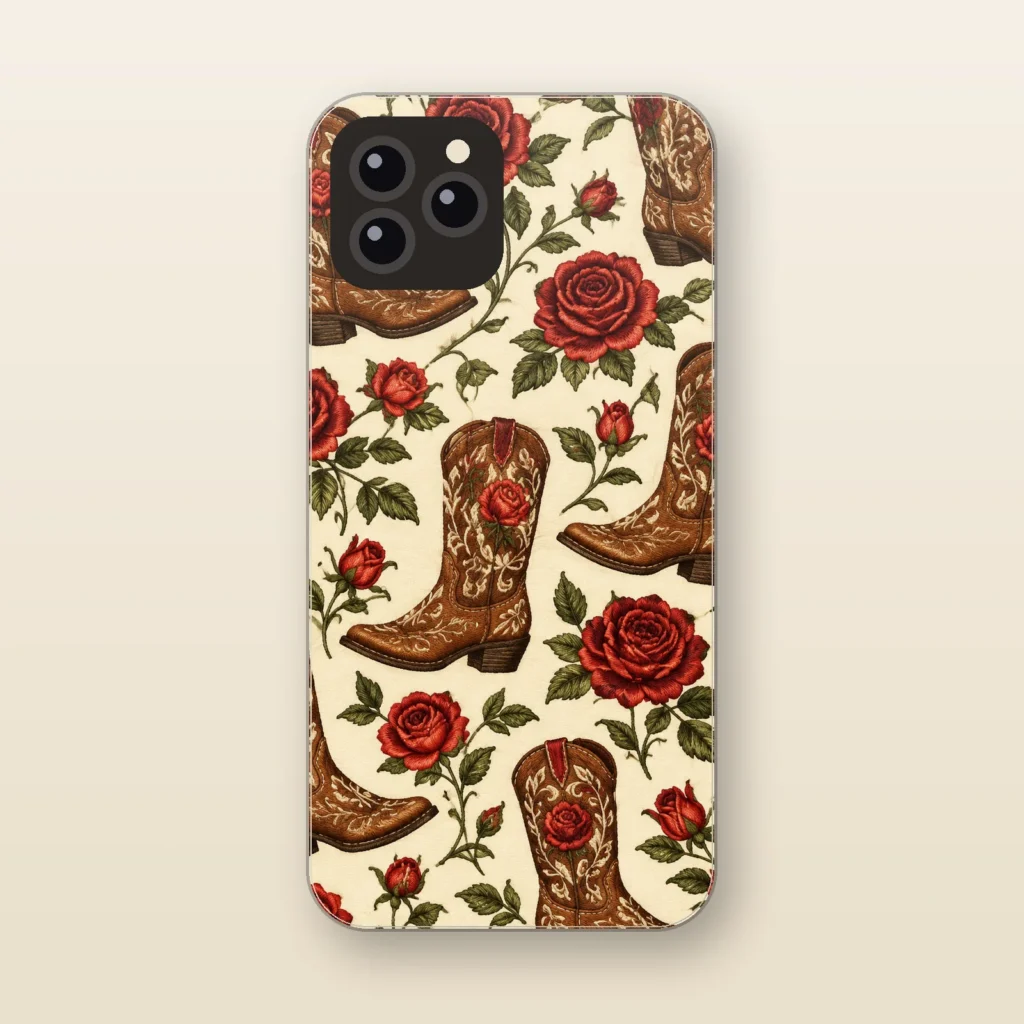
Boots and Roses
Embroidered-Look
$29.99 -
Staff pick
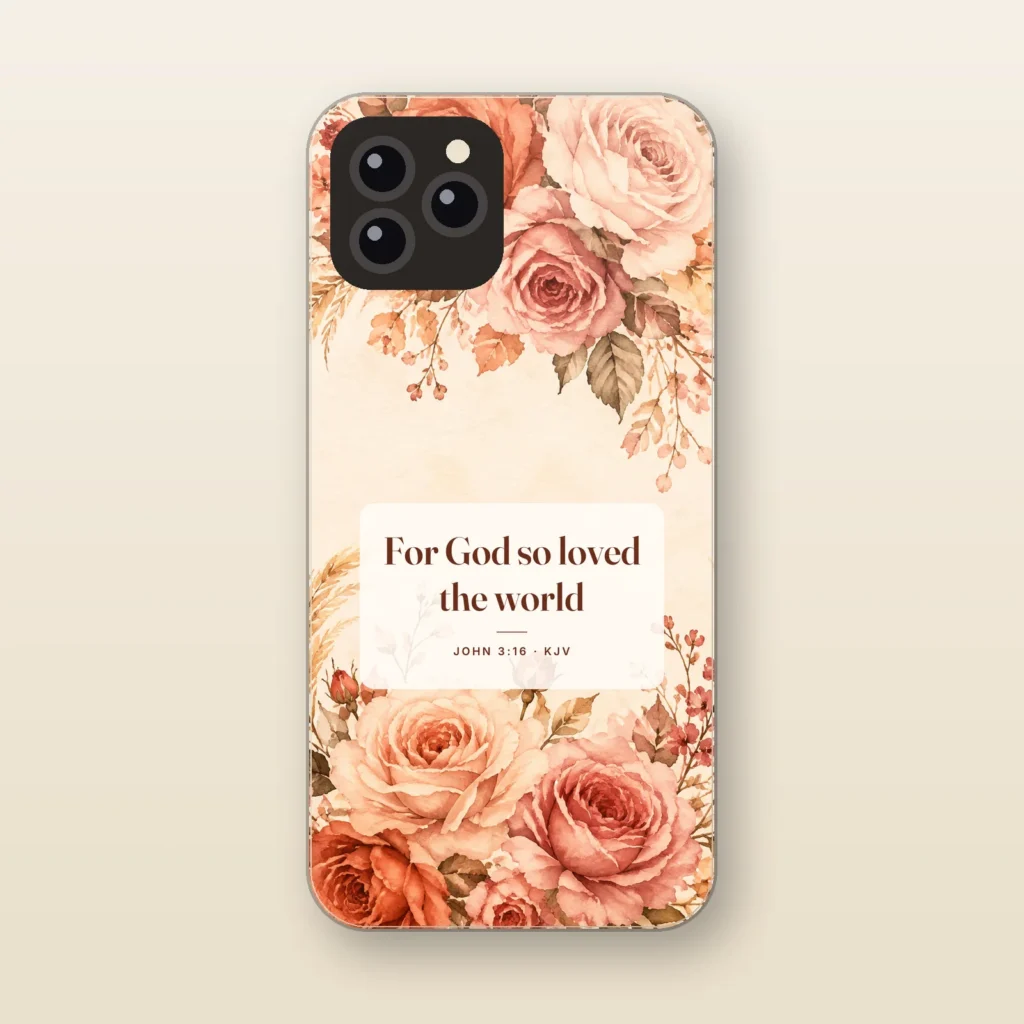
For God So Loved the World
John 3:16 KJV · Rose
$29.99 -
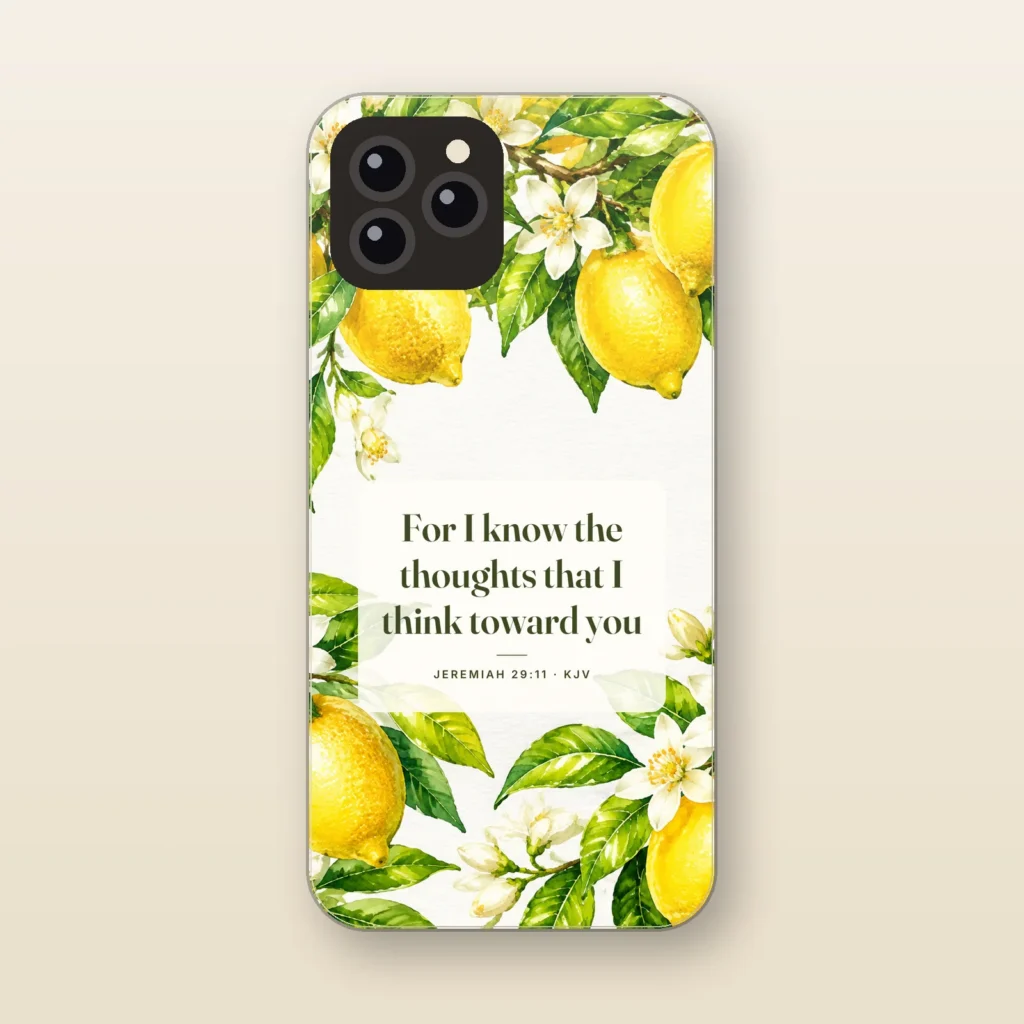
For I Know the Thoughts
Jeremiah 29:11 KJV · Lemon Blossom
$29.99 -
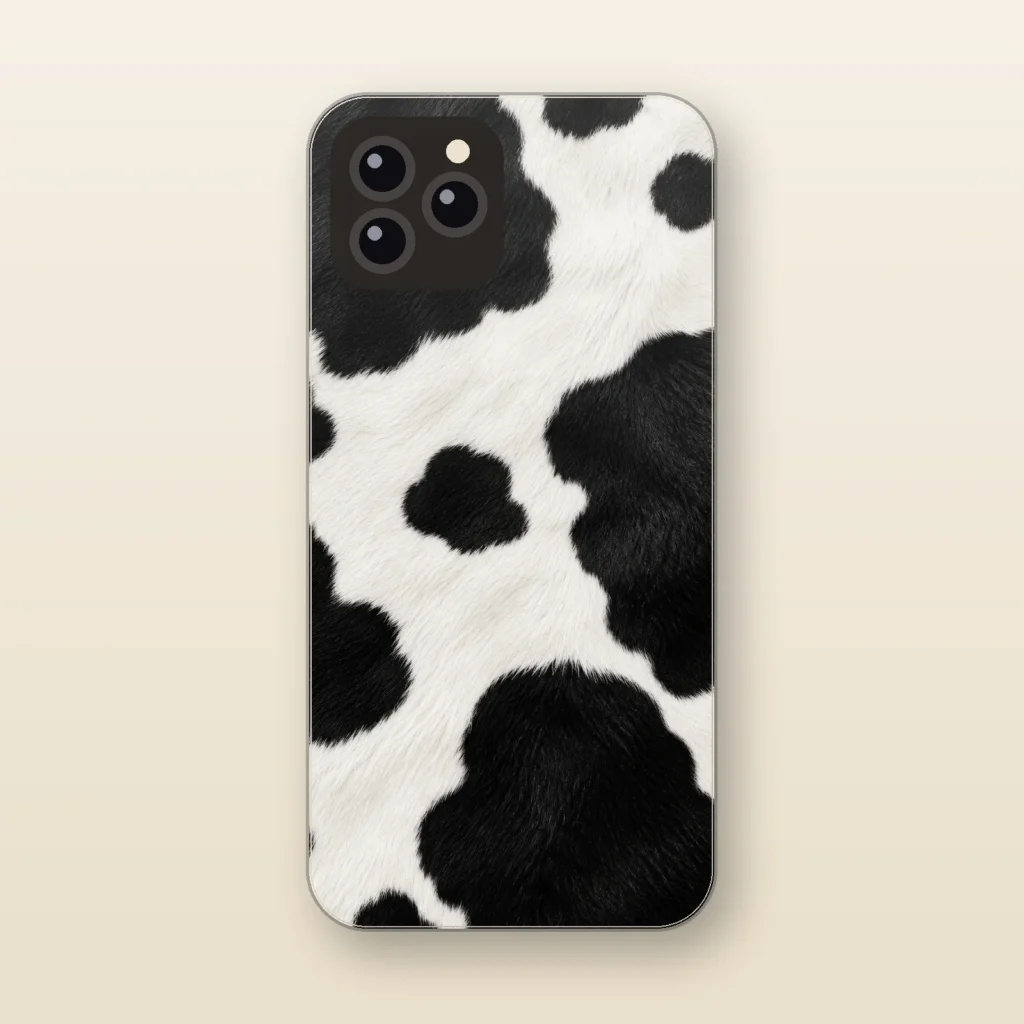
Holstein
Faux Black and White Cowhide
$29.99 -
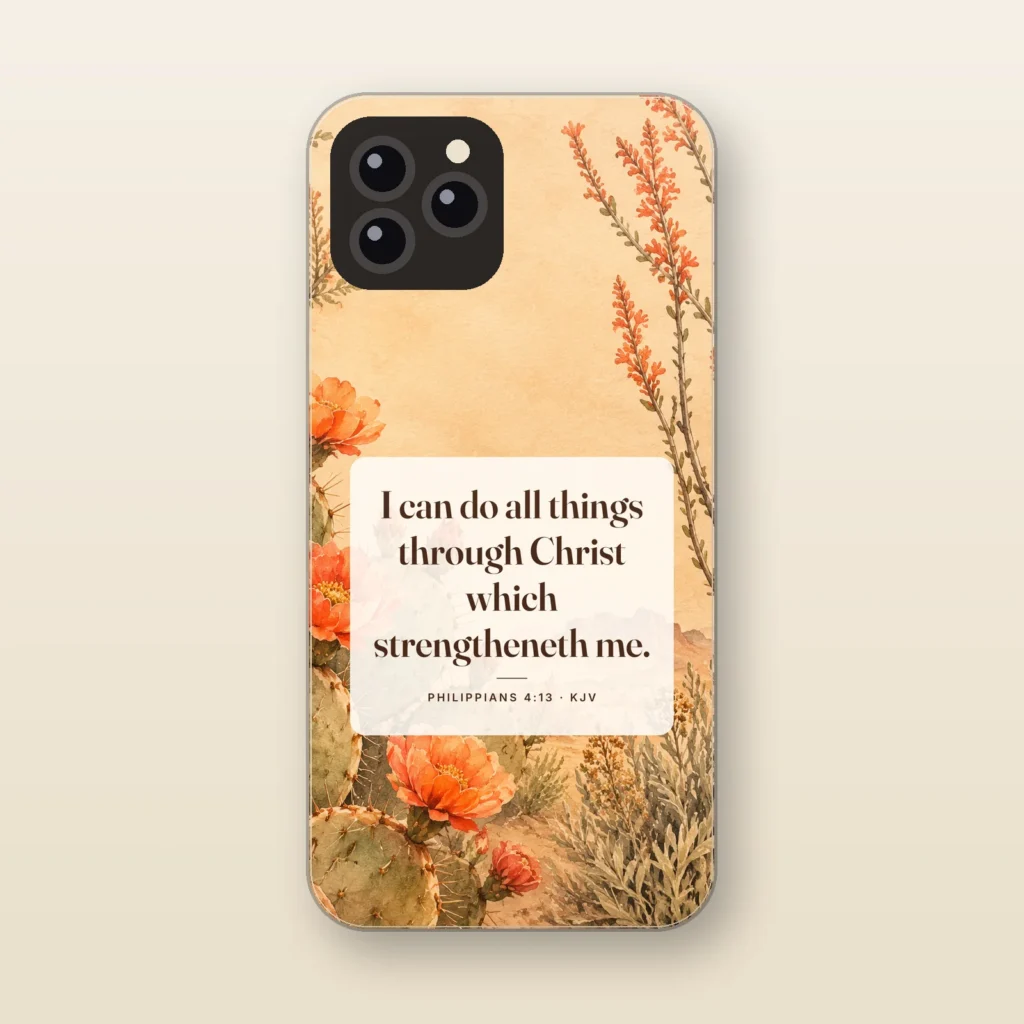
I Can Do All Things
Philippians 4:13 KJV · Desert Bloom
$29.99 -
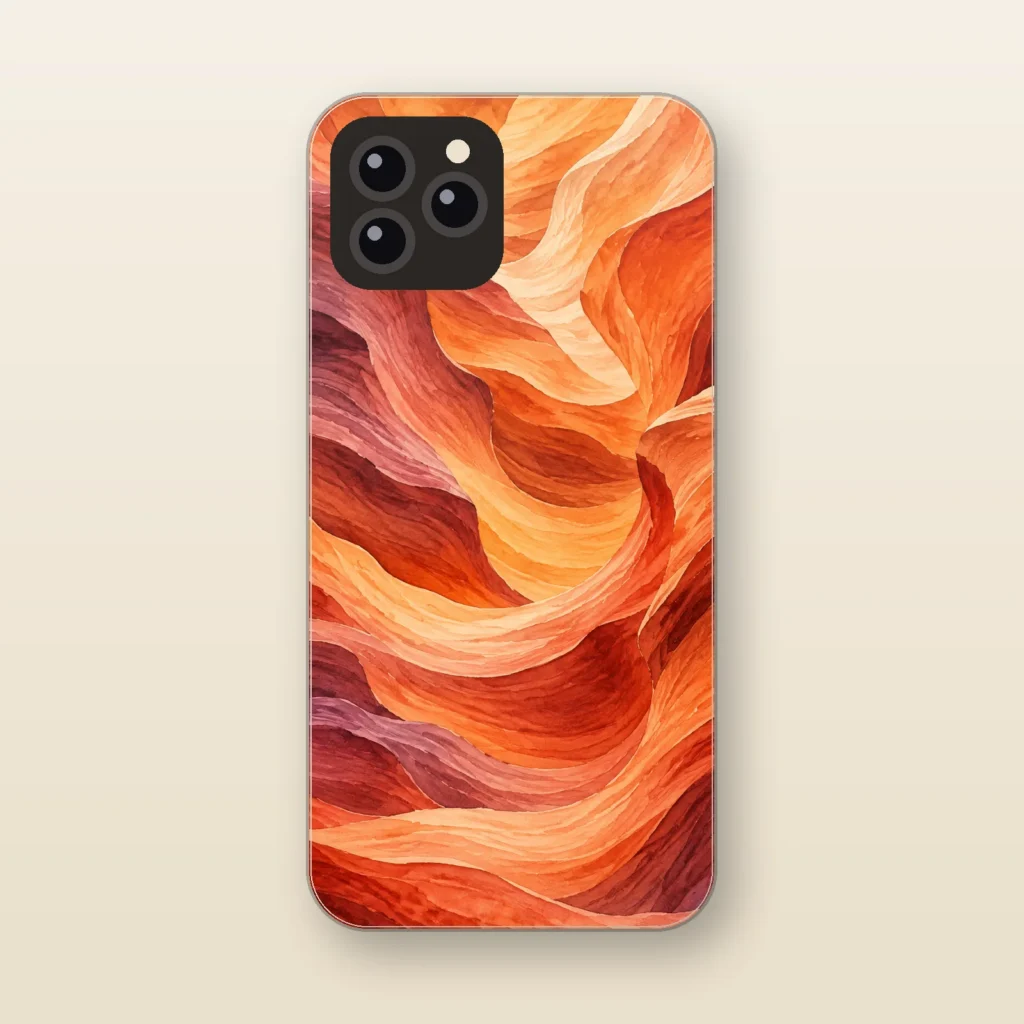
Painted Desert
Layered Canyon
$29.99 -
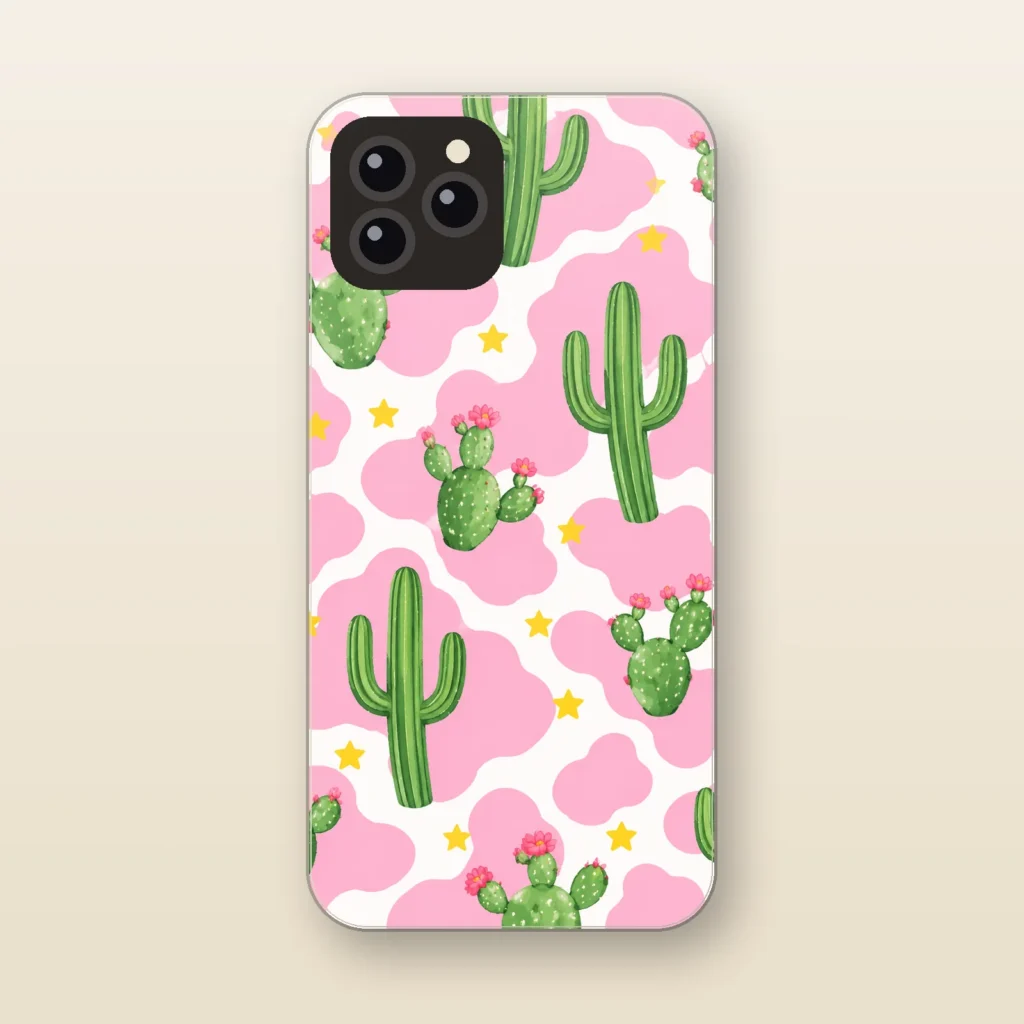
Pink Cactus
Punchy Pink Cow Print
$29.99 -
Staff pick
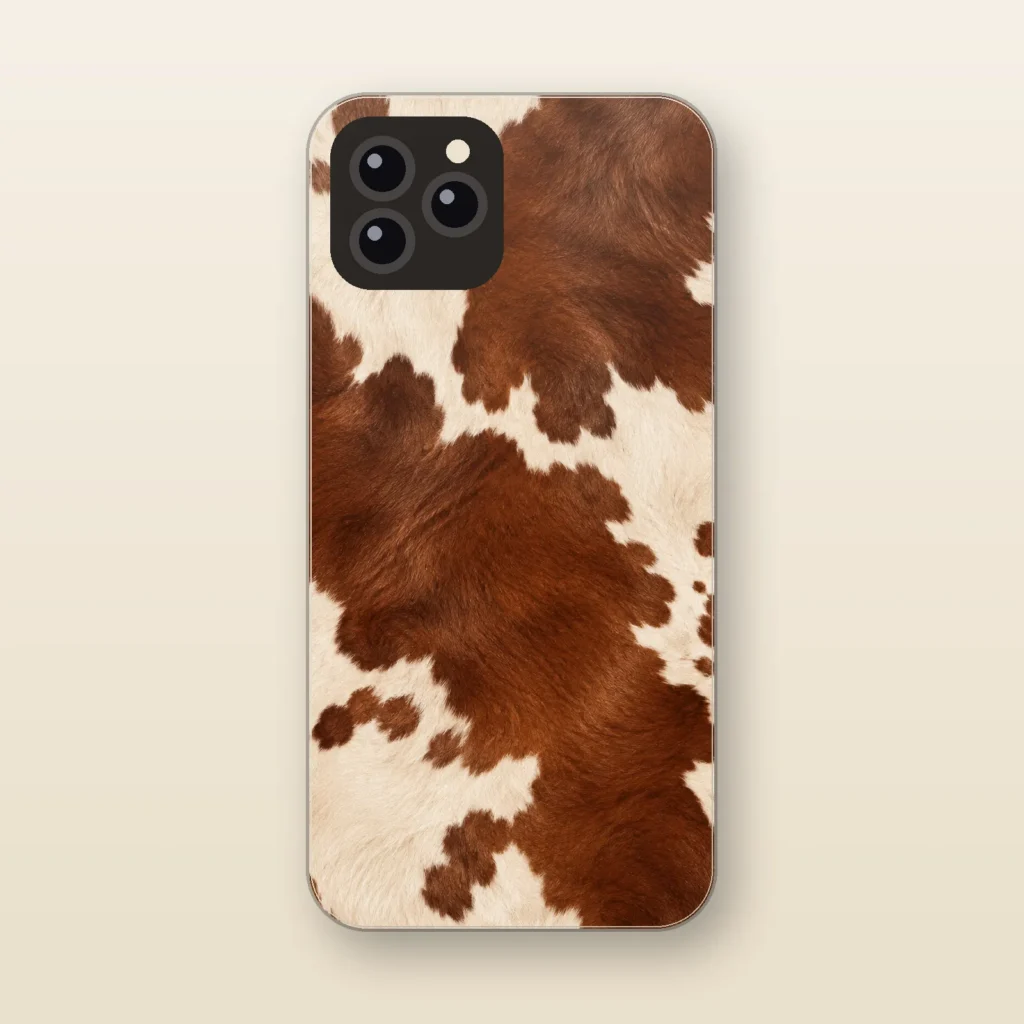
Ranch Hand
Faux Cowhide
$29.99 -
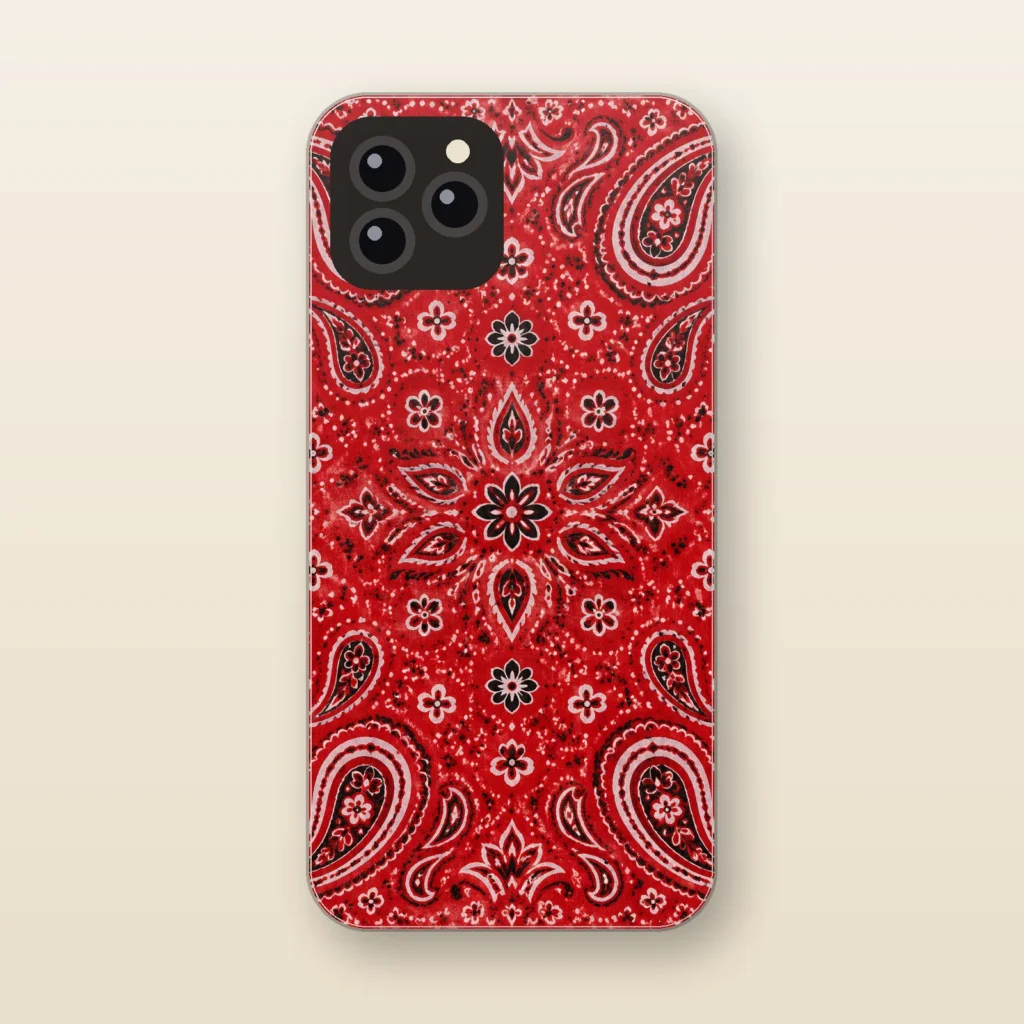
Red Bandana
Paisley Bandana
$29.99 -
Staff pick
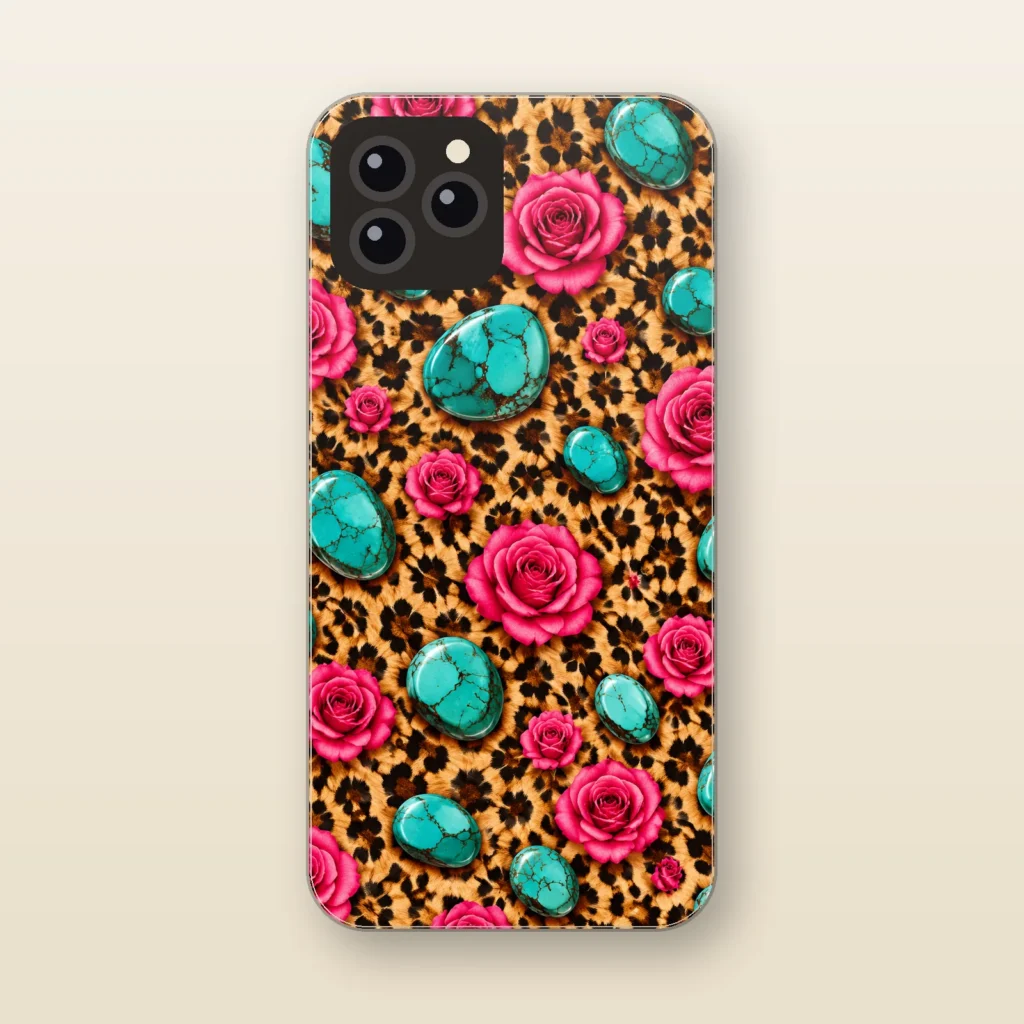
Rose and Stone
Leopard and Turquoise Punchy
$29.99 -
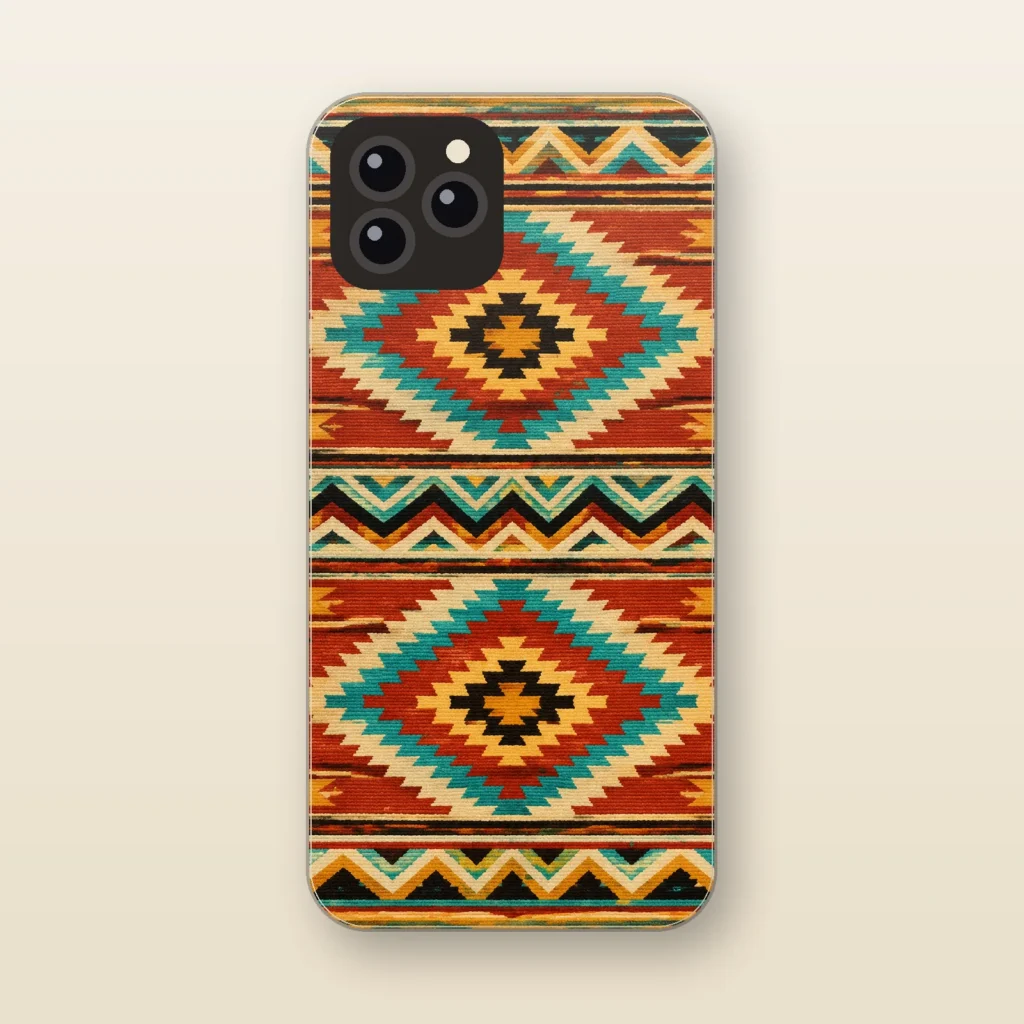
Saddle Blanket
Southwestern Geometric
$29.99 -
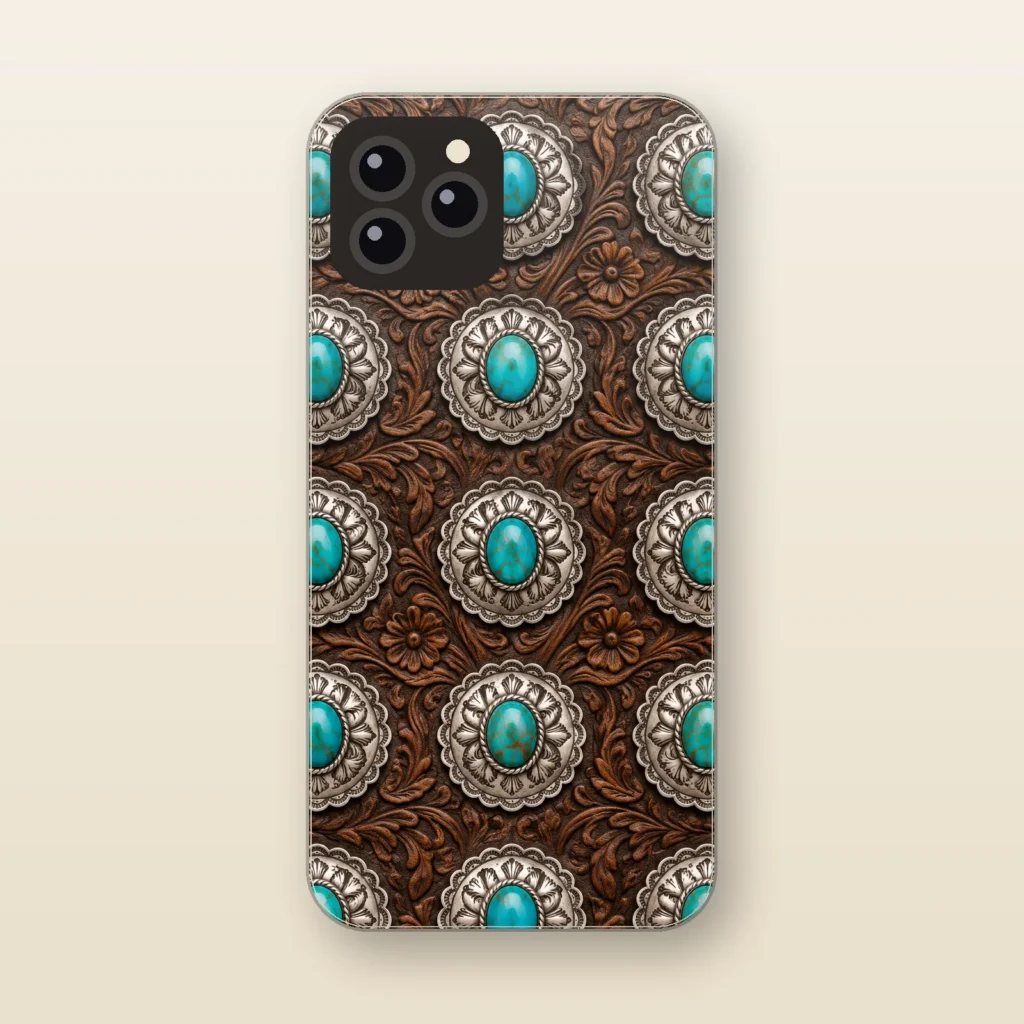
Silver Concho
Turquoise and Silver
$29.99 -
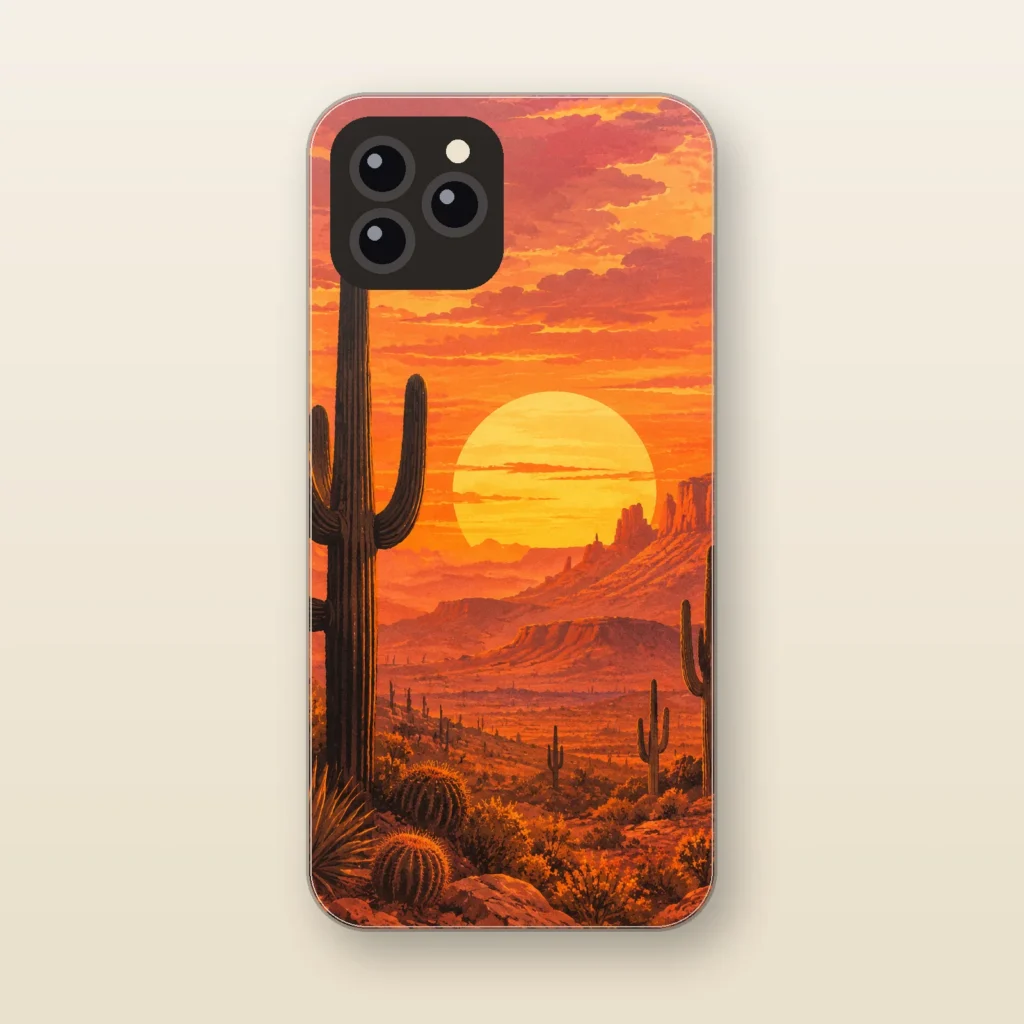
Sonoran Sunset
Desert Saguaro
$29.99
How to tell you have an iPhone 16 Pro Max
Open Settings, tap General, then tap About. The Model Name line should read iPhone 16 Pro Max. Tap the part number next to Model Number to reveal the model number: a phone sold in the United States or Puerto Rico shows A3084, and other regions use A3295, A3296, or A3297. US models have no SIM tray, so Apple points to the USB-C connector instead, where the model number is printed on the upper side, the side with the display.
Physical tells: a 6.9-inch display with the Dynamic Island, a titanium band, the Action button on the upper left, the side button on the right, and the Camera Control on the lower right. The back holds three cameras (48MP Fusion, 48MP Ultra Wide, and 12MP 5x Telephoto), a LiDAR Scanner, and a flash.
Why iPhone 16 Pro Max cases are model-specific
Apple lists the iPhone 16 Pro Max at 163 mm tall, 77.6 mm wide, and 8.25 mm deep (6.42 x 3.06 x 0.32 inches). Its two closest lookalikes measure differently:
- iPhone 15 Pro Max: 159.9 x 76.7 x 8.25 mm (6.29 x 3.02 x 0.32 inches), a 6.7-inch display, and no Camera Control.
- iPhone 17 Pro Max: 163.4 x 78.0 x 8.75 mm (6.43 x 3.07 x 0.34 inches), with its cameras in an extended plateau that runs from side to side.
A few millimeters of height, a thicker body, or an added button is enough to move a case’s edges and openings out of place. That is why every case we sell is made to order for one exact model with a dual-layer build, never offered as a shared fit across generations.
Ready to choose a design? Browse KJV verse cases in the Faith collection or cowhide, turquoise, and desert prints in the Western collection.
Cases for other phones
- iPhone 18 Pro Max cases
- iPhone 18 Pro cases
- iPhone 17 Pro Max cases
- iPhone 17 Pro cases
- iPhone 17 cases
- iPhone 16 cases
- iPhone 15 cases
- iPhone 16 Pro cases
- iPhone 15 Pro Max cases
- iPhone 15 Pro cases
- iPhone 14 cases
- iPhone 13 cases
- iPhone Air cases
- iPhone 17e cases
- Galaxy S26 Ultra cases
- Galaxy S26 cases
- Galaxy S25 Ultra cases
Questions
How can I tell an iPhone 16 Pro Max from an iPhone 17 Pro Max?
Check Settings > General > About > Model Name first. On the phone itself, Apple describes the iPhone 17 Pro Max cameras as sitting in an extended plateau that runs from side to side, and it is 8.75 mm deep versus 8.25 mm for the iPhone 16 Pro Max. A US iPhone 16 Pro Max carries model number A3084.
Will an iPhone 15 Pro Max case fit an iPhone 16 Pro Max?
We do not recommend it. Apple lists the iPhone 16 Pro Max as 3.1 mm taller and 0.9 mm wider than the iPhone 15 Pro Max, and it adds the Camera Control on the lower right side. Order the case listed for iPhone 16 Pro Max.
Where is the model number on a US iPhone 16 Pro Max with no SIM tray?
Tap the part number next to Model Number in Settings > General > About. Apple also says that on an iPhone without a SIM tray you can look inside the USB-C connector, on the upper side facing the display, in bright light.